Find your limit.
Chase a clean lap, slide a corner or take on the AI. Switch to the cockpit when you want to feel closer to the road.

BIG DREAMS. QUESTIONABLE BRAKING.
GOOD DRIVERS.
BAD IDEAS.
Now turn the box over
That corner you nearly held. That jump you definitely shouldn't have built. That replay you have to watch again.
This is a working preview. Car models, driving performance and the final release are still being refined.
01 — A little less sensible
Classic stunt-racing spirit.
Your next very questionable decision.
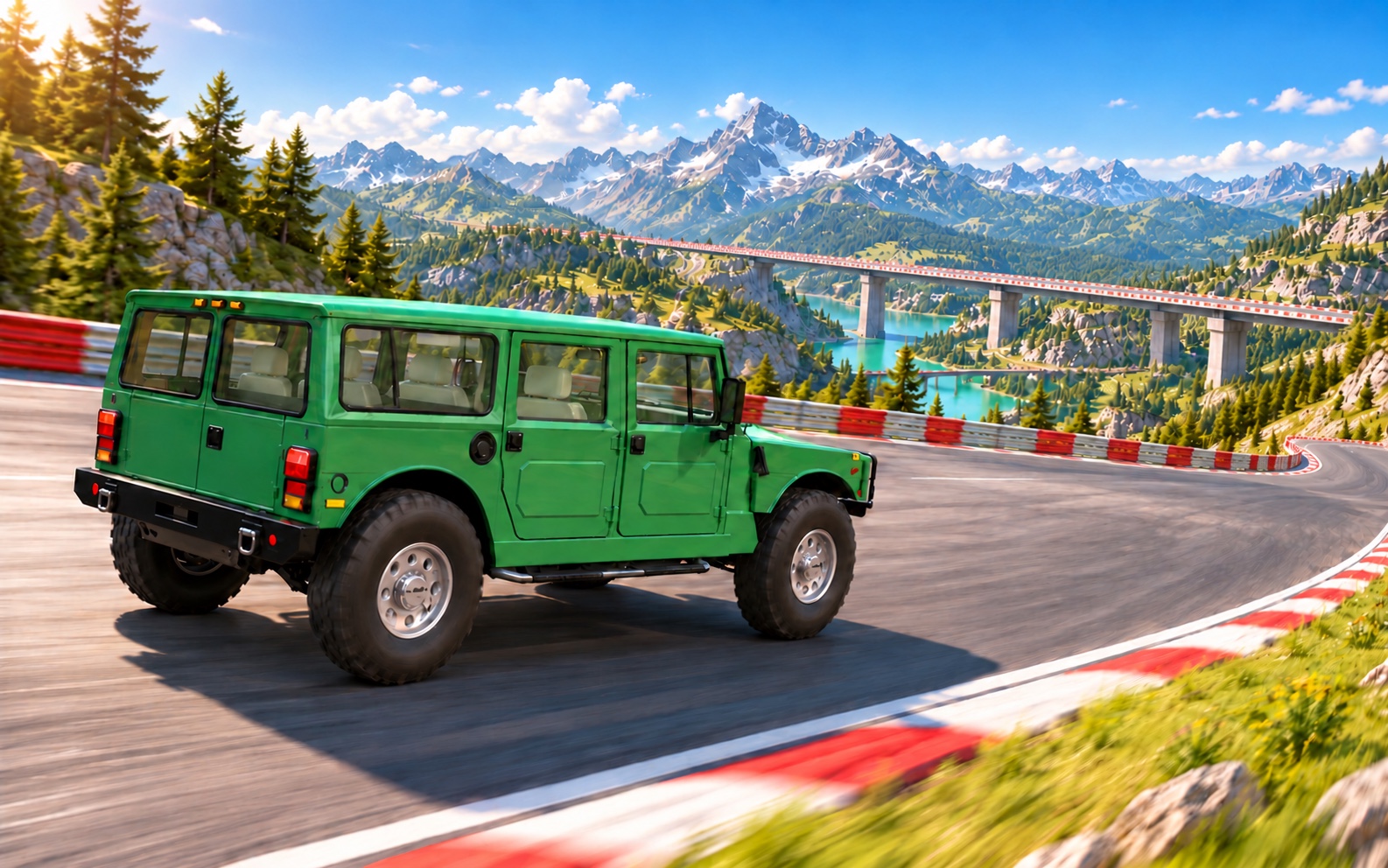
Chase a clean lap, slide a corner or take on the AI. Switch to the cockpit when you want to feel closer to the road.
Piece together your own straights, corners, jumps, loops and corkscrews in the track builder. Then be the first to try it.
Offline crashes can deform the car and knock parts loose. Save the run and inspect the aftermath in replay.
Public matchmaking and private invitation rooms are in testing. Online play and mobile support are still being validated.
IN TESTINGYour track. Your terrible idea.
A 3D track builder, a scenery library and terrain tools. No code required. Just a plan. Preferably.
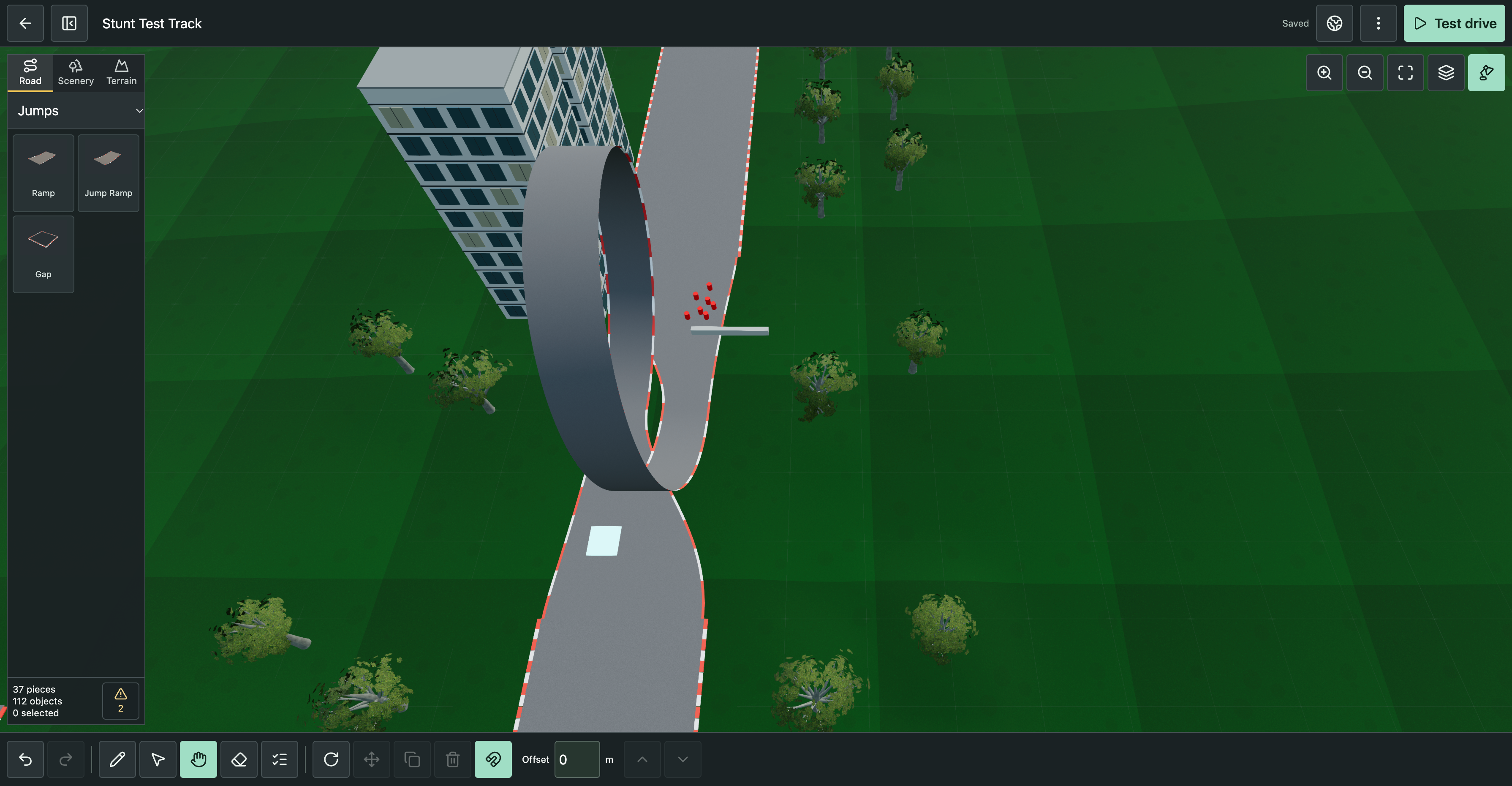
Choose Road, pick a part and place it on the grid. Rotate straights, bends, banked turns, bridges, ramps, loops and corkscrews into your route. Add a Start / Finish part.
Pick grass, desert or snow and a time of day. Raise, lower, level or smooth the terrain; brush on asphalt or gravel. Add trees, obstacles, checkpoints and creatures from Scenery.
Select Test drive to try your working track. Return to refine it with move, copy, multi-select and undo/redo. Connection warnings help you find gaps and mismatched road ends.
Name the track and use Track files → Save to library to keep it in this browser. Export a JSON file for a separate copy or to share; Import track brings a file back into the editor.
Place, select, pan and erase. Rotate a part or selection, move or copy a group, adjust placement height and snap scenery to the surface. Use Top view, Fit track and the editor work light to inspect your layout.
The garage — three classics
A low-slung Italian. A Swedish brick.
And one very large alternative.
Three very different ways to find your limit.
THE THREE-CAR GARAGE
01 / 03
1984 · ITALY
Low, wide and made for a clean exit. Give the long straight your full attention.
Ghost car · Your best run, back for more
Set a time. Then chase the ghost of your best run. Follow your old line, find the seconds you left behind and take them back.
Choose Time trial in the garage. Complete a valid run to create your ghost, then go again.
Chase your best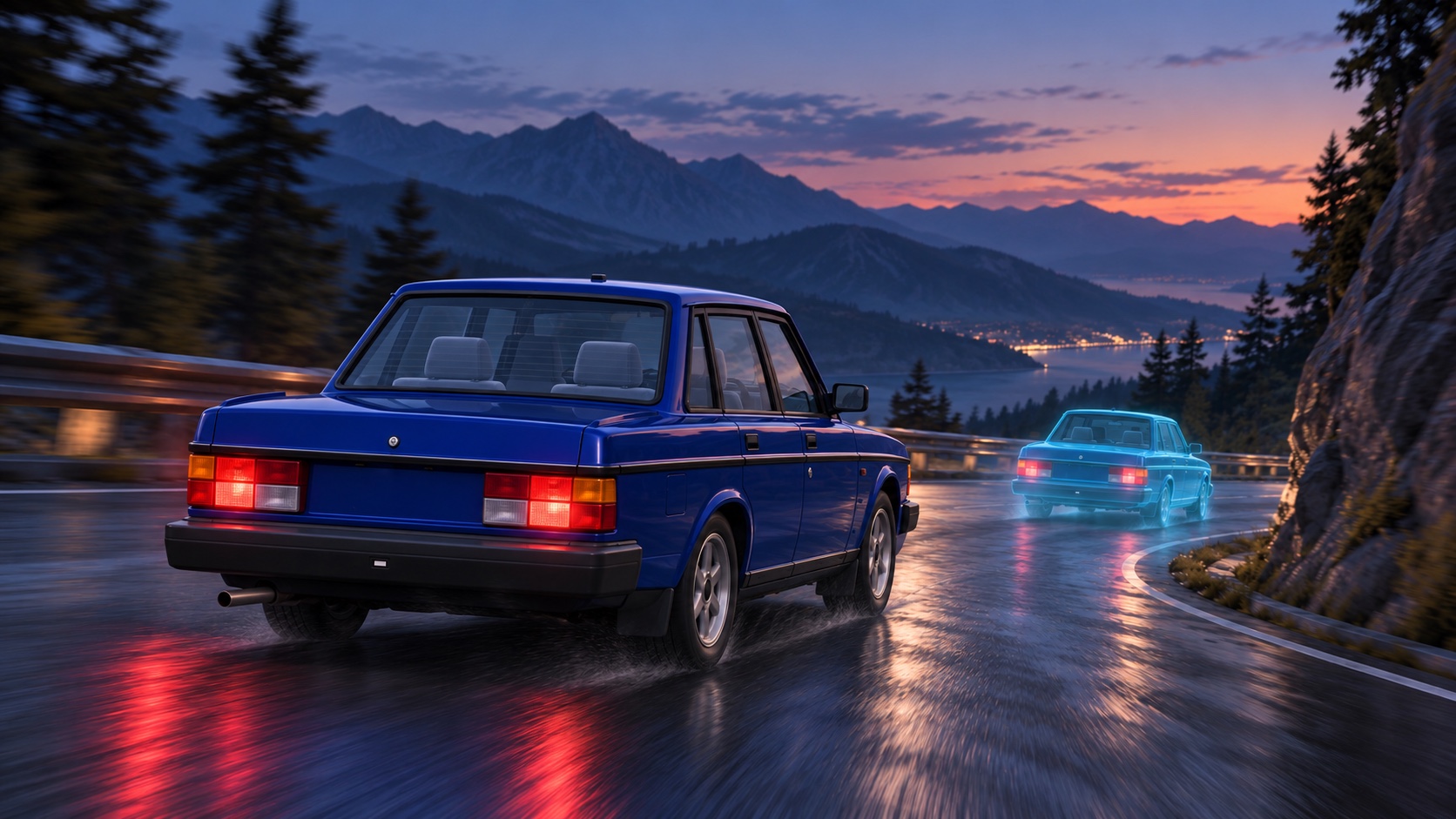
Multiplayer · A little friendly competition
Find a public race, or create a private room and invite your friends. Race with car-to-car collisions. Then line up for a rematch.
Open the game and choose Play online to find your next grid.
Find your rivalsONLINE PREVIEW · IN TESTING
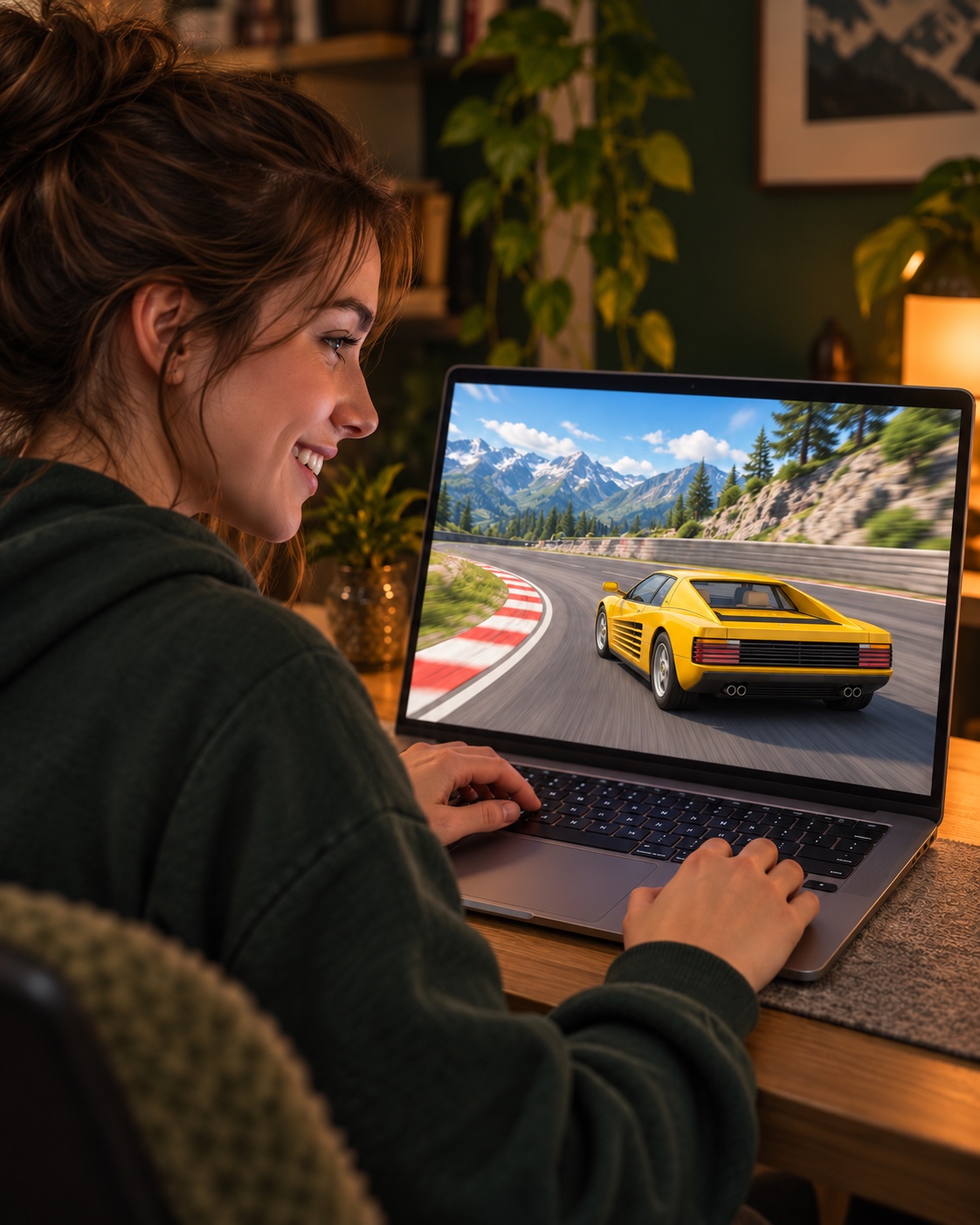
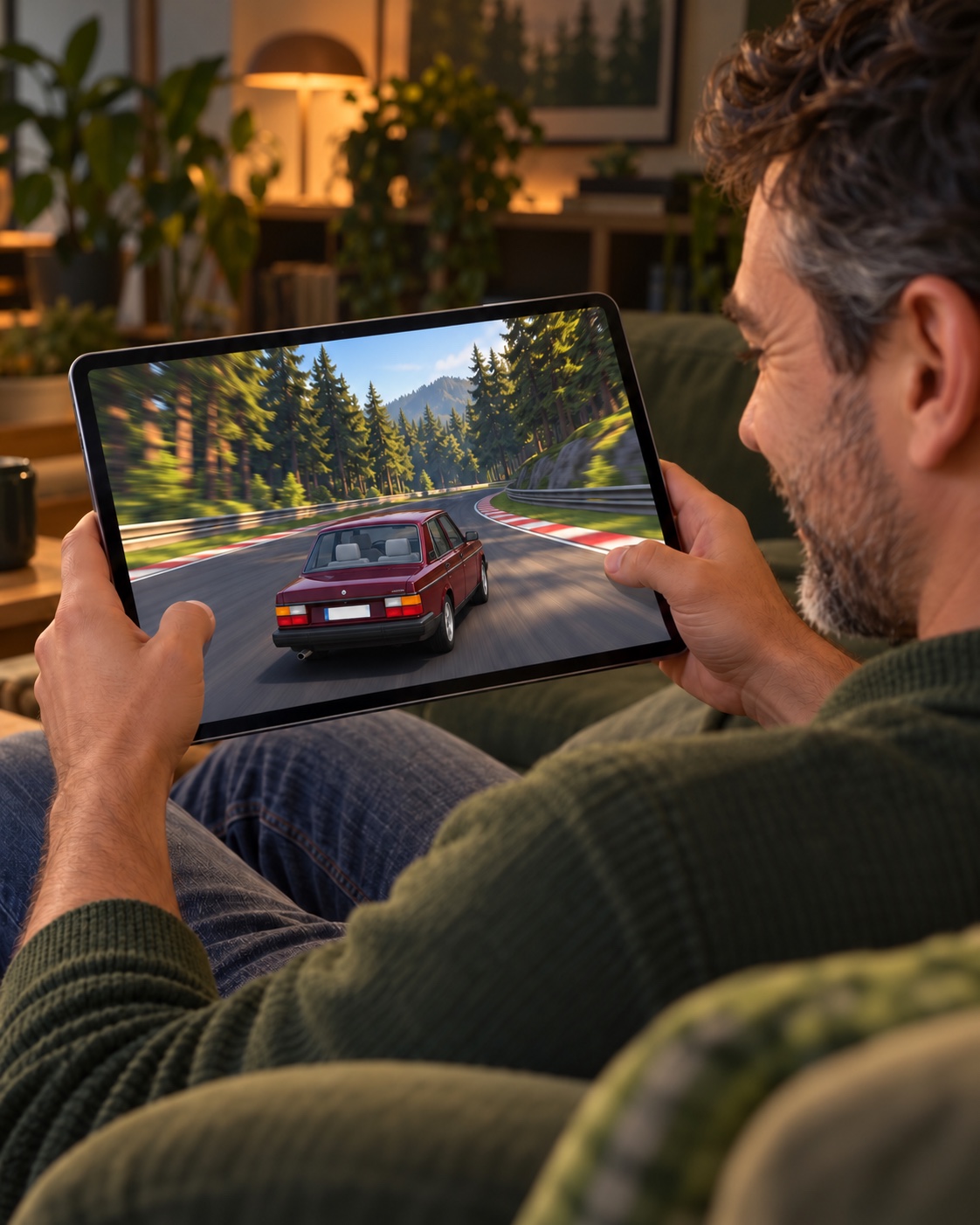
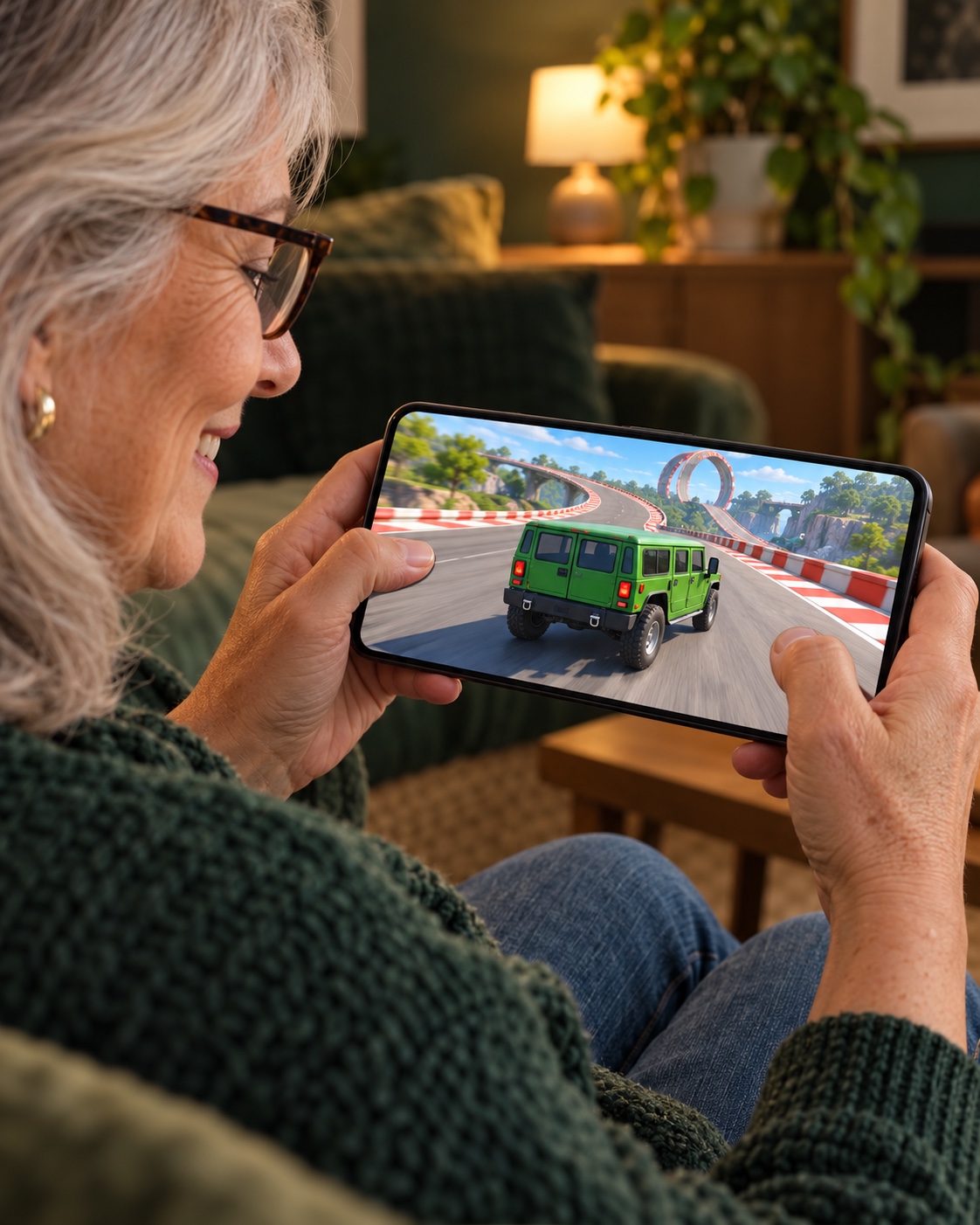
Swipe to meet the grid
CONCEPT ILLUSTRATIONS · FICTIONAL PLAYER SCENES
03 — Keep the evidence
The corner. The impact. The parts that kept going. Take control of a real recording and find the moment it all went sideways.
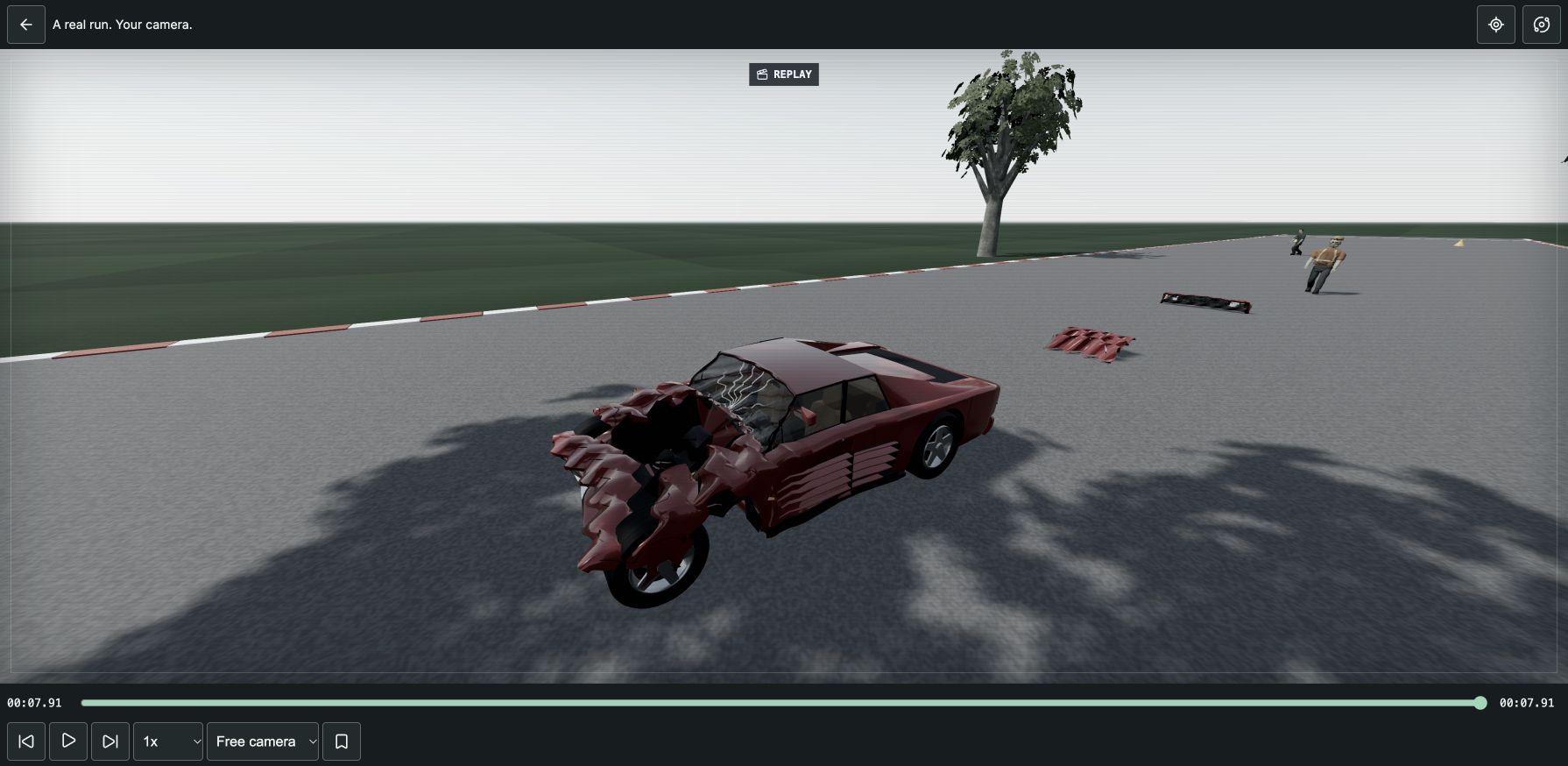
ACTUAL GAME REPLAY Development build
Older computer? Start with Potato: simpler graphics, adaptive resolution and a 30 FPS target. Requires WebGL2 or WebGPU. Actual frame rate depends on your device.
Interactive 3D · starts paused and muted
The 3D demo loads only when you choose.
Chase, cockpit, TV or free camera. Orbit the car and inspect the aftermath from your own angle.
Scrub the timeline, step a frame at a time or replay at 0.25×, 0.5×, 1× and 2×.
This is the game's replay engine. Save your own recordings in the game and revisit the entire run.
Your machine. Your settings.
Choose your graphics, motion, sound and controls. Settings are kept in your browser.
Automatic tries WebGPU and uses WebGL2 when needed. You can also select WebGPU or WebGL2 yourself before starting. Availability depends on your browser and graphics device; the game shows which renderer is active.
These are selectable rendering targets. Actual frame rate depends on the device, browser, scene and quality settings.
| Profile | Pixel budget | What changes |
|---|---|---|
| HIGH | Up to 3840 × 2160 | Highest detail, larger shadows and reflection budgets. |
| MID | Up to 2560 × 1440 | Reduced shadows and reflections. |
| LOW | Up to 1920 × 1080 | Lower model, resolution and effect budgets. |
| POTATO | Up to 1280 × 720 | Simpler presentation without shadows or post-processing. |
Choose a primary and alternate key for driving, handbrake, air control, camera and restart. Escape is the fixed Pause key. Reset keyboard restores the defaults.
Remap Accelerate, Brake, Reverse, Handbrake, Camera, Restart run and Pause across the standard gamepad buttons.
Choose a stick axis for Steering, Air pitch and Air roll, with a separate Invert option for each. Stick deadzone ranges from 5–40% (12% by default). Reset gamepad restores the defaults.
Touch driving controls are available separately in the game, including drive/reverse, pedals, steering and air control.
The garage also lets you choose a car and original, preset or custom paint; a built-in or locally saved track; grass, desert or snow; lighting and graphics; and Time trial with a ghost or VS AI. A track without race requirements opens as a Practice drive.
Inhabitants can follow the track's authored placement, be switched Off, or use Zombies, Animals or Mixed. Generated groups offer Few, Normal or Many and a placement seed. Track editor and Replay are separate choices in the menu.
On the roadmap
Two more classics are planned for future versions. They are outside the current three-car preview.
A rear-engined icon, planned for a later garage.
A rally classic, planned for a later garage.
Your next lap starts here
Desktop-first browser preview. No installation required.